Turn a pet photo into LINE stickers
Stickers you can use in LINE chats.
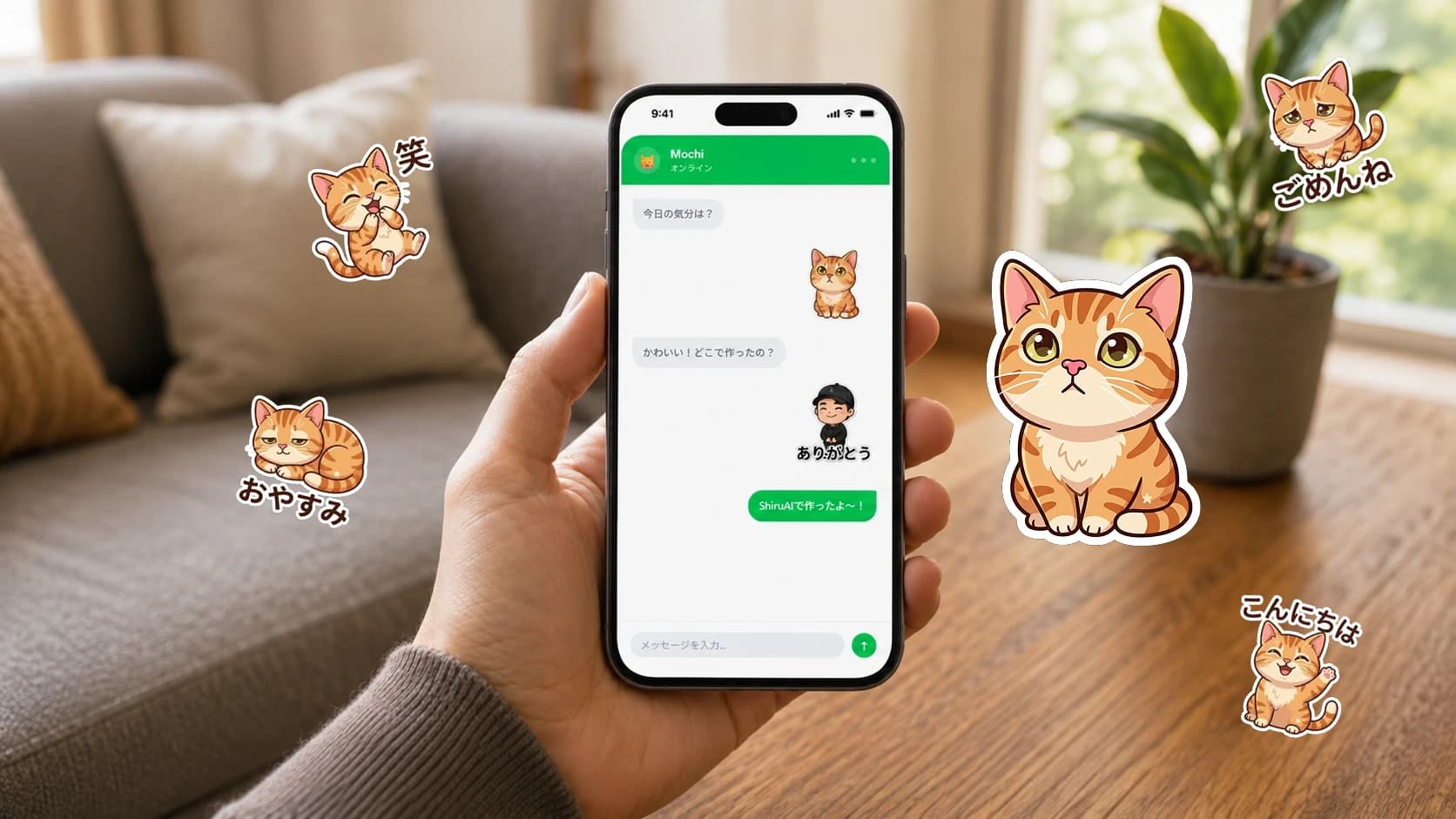 After
After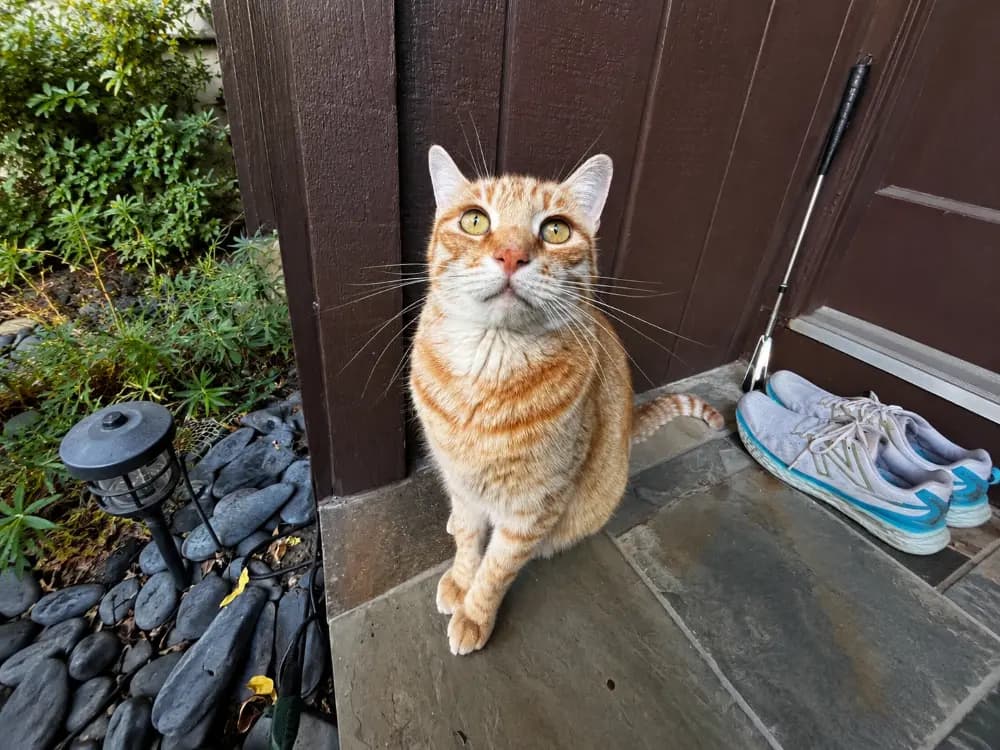
What you'll make
A small pack of LINE-ready stickers of your pet.
Outcome
Stickers you can use in LINE chats.
Before you start
- A clear photo of your pet
Pets make the best stickers. Pick a clear photo and a tool that formats stickers for LINE, and you'll have a set to share in minutes.
- 1
Choose a photo
Front-facing, well-lit, with the pet filling most of the frame.
- 2
Make the set
Upload it to ShiiruAI and pick a few expressions or captions.
- 3
Review and download
Check each sticker looks like your pet, then download the pack.
- 4
Use them in LINE
Follow the LINE steps to add them to your chats.
Example: your dog with 'Good morning!', 'Thanks!', and 'Sleepy' captions.
Privacy
- A pet photo is low-risk — but avoid including people who didn't agree to it.
Accessibility
- Bold captions read better at small sizes.
Made different for you
Why this is useful for you
A fast way to test a sticker concept before investing in original art.
Use this as a quick prototype, then move to original illustration for a polished pack.
→ A prototype pack you can refine in OriginalsAI.
Related tools
Next steps
Related resources
Start this project
Open SeishunAI with this project ready — no need to explain what you want.
Start this project →